
To-do list
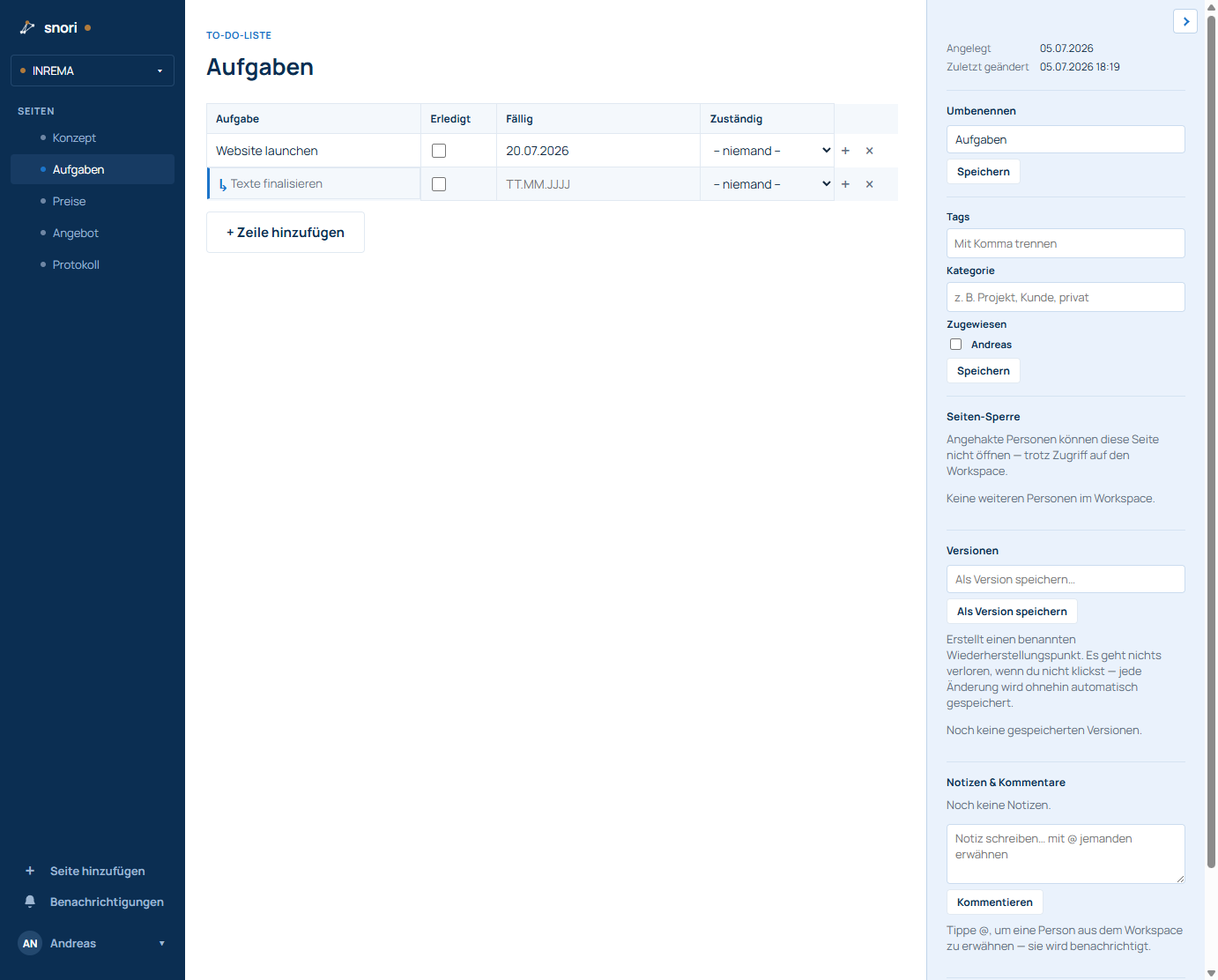
A to-do list starts with the columns Task, Done, Due and Assignee.
- Add row: button below the table – new tasks are appended at the bottom.
- Subtask: the small “+” at the end of a row creates an indented subtask (with ↳).
- Due: a click opens a dedicated calendar in DD.MM.YYYY format.
- Assignee: pick a person from your workspace.
- Delete: the × at the end of a row (with a safety PIN).
Missing something or unclear? Write to helpdesk@snori.de.