
Creating pages
Click “+ Add page” at the bottom left of the sidebar. Then choose:
- Where should it live? – “As a top-level page” or “As a subpage” of an existing page (a picker for the parent appears).
- What do you want to create? – one of the three page types.
A short explanation appears on the right as you choose. Click “Create” and the page opens immediately.
Tip: hover a page in the sidebar and a small “+” appears — it creates a subpage right there.
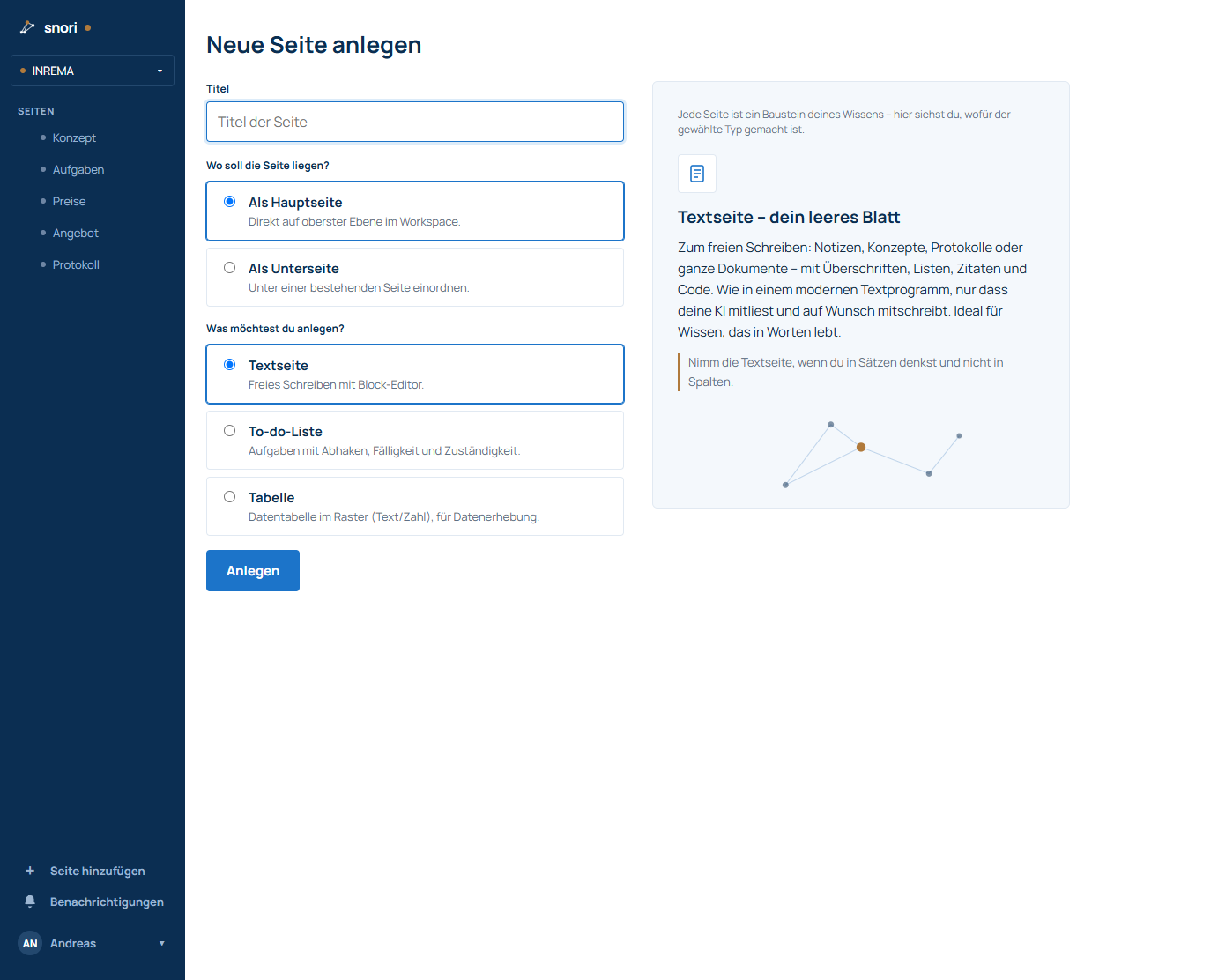
The three page types
- Text page – free-form writing with a block editor: notes, concepts, minutes, documents with headings and lists.
- To-do list – tasks with checkboxes, due dates, assignees and subtasks.
- Table – a grid of columns and rows for structured data.
Missing something or unclear? Write to helpdesk@snori.de.